During my first week at a major agency, I had to update a client's global button color. The lead designer slacked me the code #C0FFEE. I actually thought she was playing a joke on me. I didn't understand how "coffee" could possibly be a valid computer instruction for rendering light. I pasted it into the CSS file just to prove her wrong, and the button immediately turned a beautiful, bright pastel mint green.
Hex color codes look like encrypted passwords, but they are actually the simplest, most elegant mathematical system in web development. If you don't understand how to read them, you are operating blindly in the dark.

Decoding the Base-16 math
To understand hex codes, you have to completely unlearn how you currently count. You use Base-10 math (0 through 9). When you run out of numbers at 9, you add a tens column and start over at 10. Computers hate this. They operate much more efficiently using Base-16 math, which is formally called hexadecimal.
Hexadecimal counts from 0 to 9, and then it runs out of standard numbers. Instead of adding a tens column, it starts using the alphabet. A is 10. B is 11. C is 12. D is 13. E is 14. F is 15. The letter F is the absolute maximum value. It simply means 15.
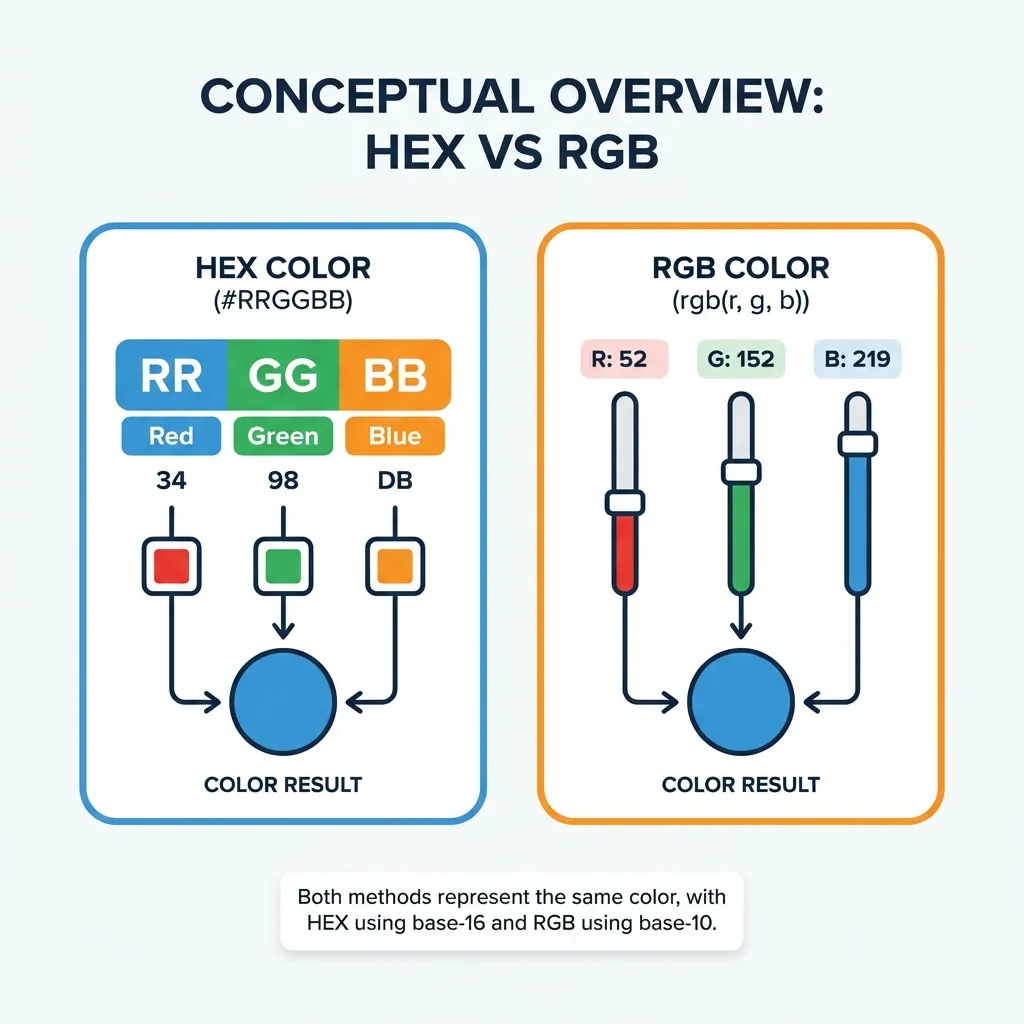
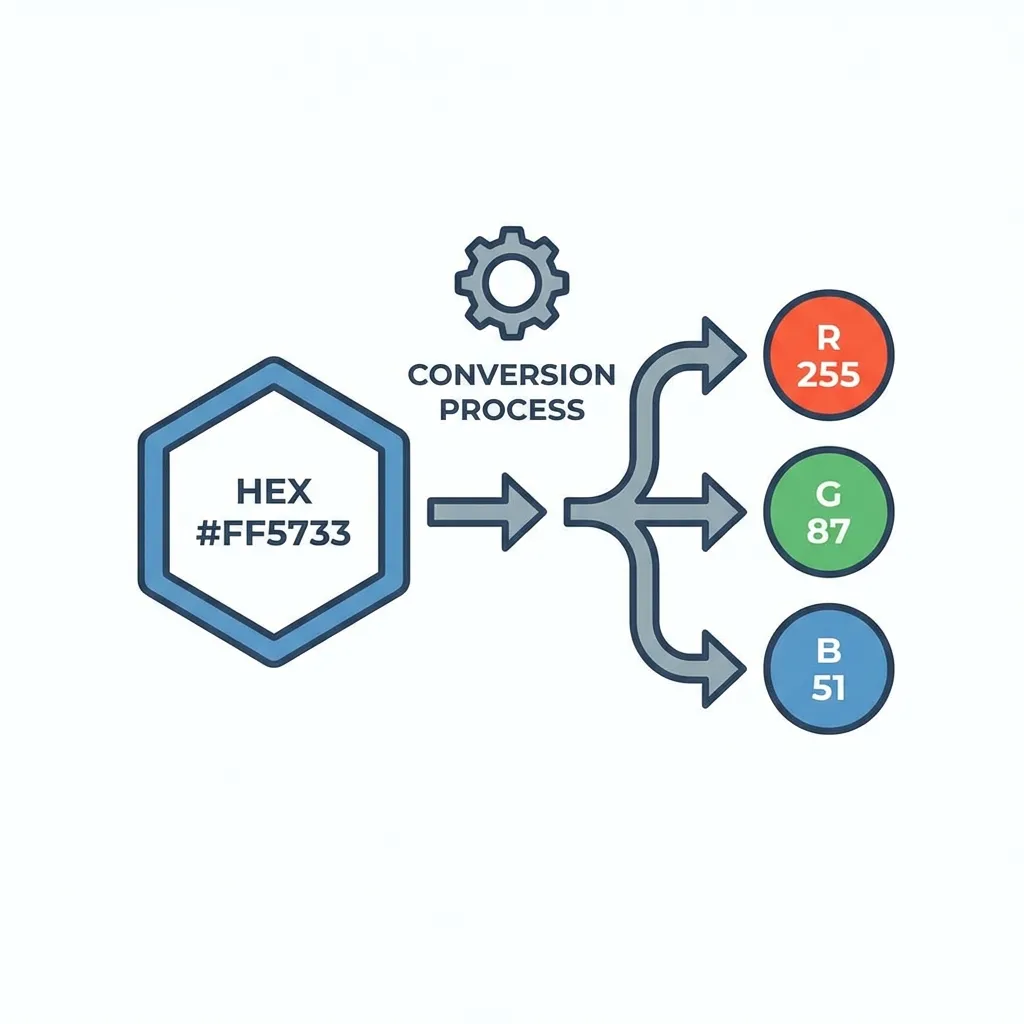
A standard web hex code is always six characters long, preceded by a hash symbol (#). Those six characters are broken into three pairs: Red, Green, and Blue. If you write #FF0000, you are telling the browser: "Turn the Red channel to maximum power (FF), turn the Green channel completely off (00), and turn the Blue channel completely off (00)." The result is pure, blinding red.
The era of "Web Safe" colors is dead
In the late 1990s, computer monitors were terrible. Most screens could physically only display 256 distinct colors. If you used a complex hex code like #8B4513 (Saddle Brown), the ancient monitor couldn't render it, so the browser would painfully "dither" the color by placing red and green pixels next to each other, creating a chaotic, grainy mess.
To solve this, developers strictly adhered to the "Web Safe Palette"—a highly restrictive list of 216 specific hex codes that were mathematically guaranteed to render perfectly on 8-bit displays. The dumb solution that worked in 1998 was exclusively using hex pairs that stepped by 20% (like 00, 33, 66, 99, CC, FF). If you used #CC0000, you were safe.
I still occasionally encounter incredibly old senior developers who instinctively type web-safe hex codes out of sheer, traumatized muscle memory. Today, modern 24-bit displays can effortlessly render all 16.7 million possible hex combinations. You never, ever need to worry about web-safe palettes again.
The 3-character and 8-character mutations
CSS allows for two massive mutations of the standard 6-character hex code.
The first is the 3-character shortcut. #FFF is identical to #FFFFFF. #F00 is identical to #FF0000. It saves you three keystrokes. I think this shortcut should be strictly banned from modern codebases. The absolute second you need a complex, non-symmetrical color like #E5E7EB, the shortcut breaks, leaving your CSS file a chaotic, unreadable mix of 3-character and 6-character strings.
The second mutation is the 8-character hex code, which finally adds alpha transparency. The last two characters dictate opacity. #00000080 creates a 50% transparent black overlay. The massive, glaring problem is that the opacity is calculated in Base-16 math. No normal human instinctively knows that 80 translates to exactly 50.4%. (I actually rely heavily on native color-mix() functions instead of 8-character hex codes specifically because standard decimal math is infinitely easier for my development team to read.)
Stop being intimidated by hex codes. It is just counting to 15 using letters. Once you realize that F means "maximum light," you can start guessing colors without ever opening a design tool.