I once had a fiery argument with a print designer who was absolutely furious that CSS didn't natively support Pantone spot colors. She demanded to know why we were forced to use "archaic, unreadable six-letter hashes" instead of just typing the name of the exact physical ink she wanted to use. I had to explain that the web wasn't built to replicate physical paper. The web was built by engineers trying to save every single byte of bandwidth possible over a 56k dial-up modem.
Hex codes didn't become the universal standard of the internet by accident. They became the standard because they are mathematically the most efficient, parser-friendly, and universally scalable way to instruct a piece of hardware to emit light. If you understand why we use them, you'll stop being annoyed by them.

The brutal reality of 1990s bandwidth
In 1995, every single byte of data mattered. If an HTML file was too large, it could literally take minutes to load. Early browser engineers needed a way to declare colors without wasting precious bandwidth on long, descriptive English words.
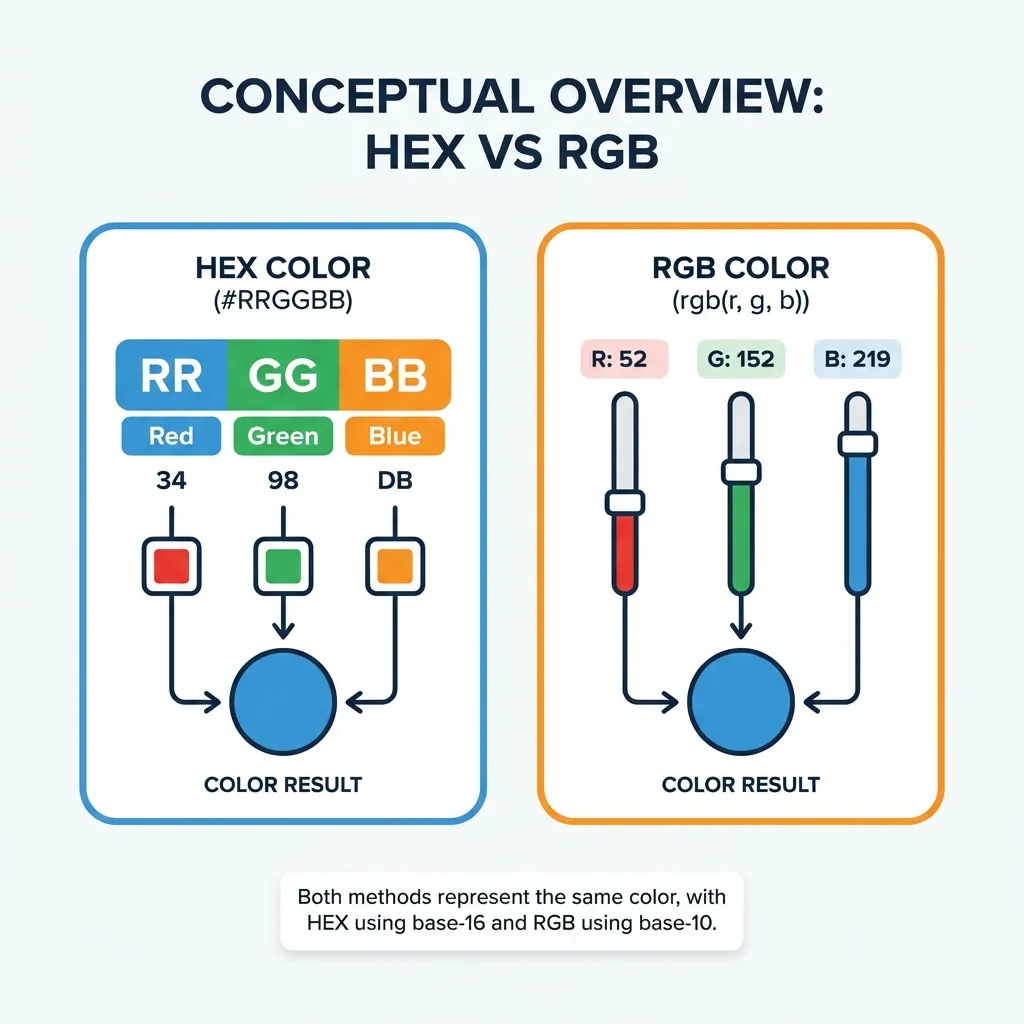
If you want to declare a highly specific, slightly dark blue using standard base-10 math, you have to write rgb(45, 126, 247). That string is exactly 18 characters long, including the parentheses and spaces. If you use a hex code, you simply write #2D7EF7. That is exactly 7 characters. You just saved 11 bytes of data.
That doesn't sound like much until you realize that a modern, global CSS file might contain five thousand color declarations across complex UI components, hover states, and responsive breakpoints. By aggressively switching from RGB strings to hex codes, early web developers could actively shave crucial kilobytes off their page weight. The 3-character hex shortcut (like #F00 instead of #FF0000) was literally invented just to squeeze a few more bytes of efficiency out of early stylesheets.
The speed of the browser parser
The second major reason hex codes won is computational speed. When Google Chrome downloads your CSS file, it has to read every single character, parse the instructions, and send mathematical electrical signals to the physical pixels on your monitor.
Base-16 hexadecimal math maps perfectly to the binary architecture of a computer. A computer natively thinks in 1s and 0s. 8 bits of binary data (a byte) can hold exactly 256 possible values. A single pair of hex characters (like FF) physically represents exactly one byte of data in memory. When the browser engine encounters #FF0000, it doesn't have to do any complex translation. It instantly recognizes it as exactly three bytes of raw data: one byte for Red, one byte for Green, and one byte for Blue.
If you force the browser to read cornflowerblue, the rendering engine has to stop, look up that English word in a massive internal dictionary dictionary file, find the corresponding hex code, and then render the pixel. It is an unnecessary computational detour. Hex codes speak directly to the metal.
Why named HTML colors failed
HTML does technically support 140 named colors. You can write color: darkseagreen; in your stylesheet. However, this system failed spectacularly in professional environments because human language is wildly imprecise.
What exactly is "dark sea green"? If you ask three different designers to mix that color on a palette, you will get three completely different results. If you ask Google Chrome to render it, it has an exact hex code mapped to it. But historically, different browsers (like Internet Explorer and Netscape) actually disagreed on the exact mathematical hex values for these named colors. If you used a named color, your website literally looked different depending on which browser the user opened it in.
A hex code leaves absolutely zero room for interpretation. #2D7EF7 is an absolute, undeniable mathematical constant. It will look identical in Chrome, Safari, Firefox, and an ancient Netscape browser from 2002. It eliminates the ambiguity of human language entirely.
The modern alpha channel update
For a long time, the only complaint developers had against hex codes was their inability to handle transparency. We were forced to use rgba() strings anytime we needed a dark overlay or a subtle shadow.
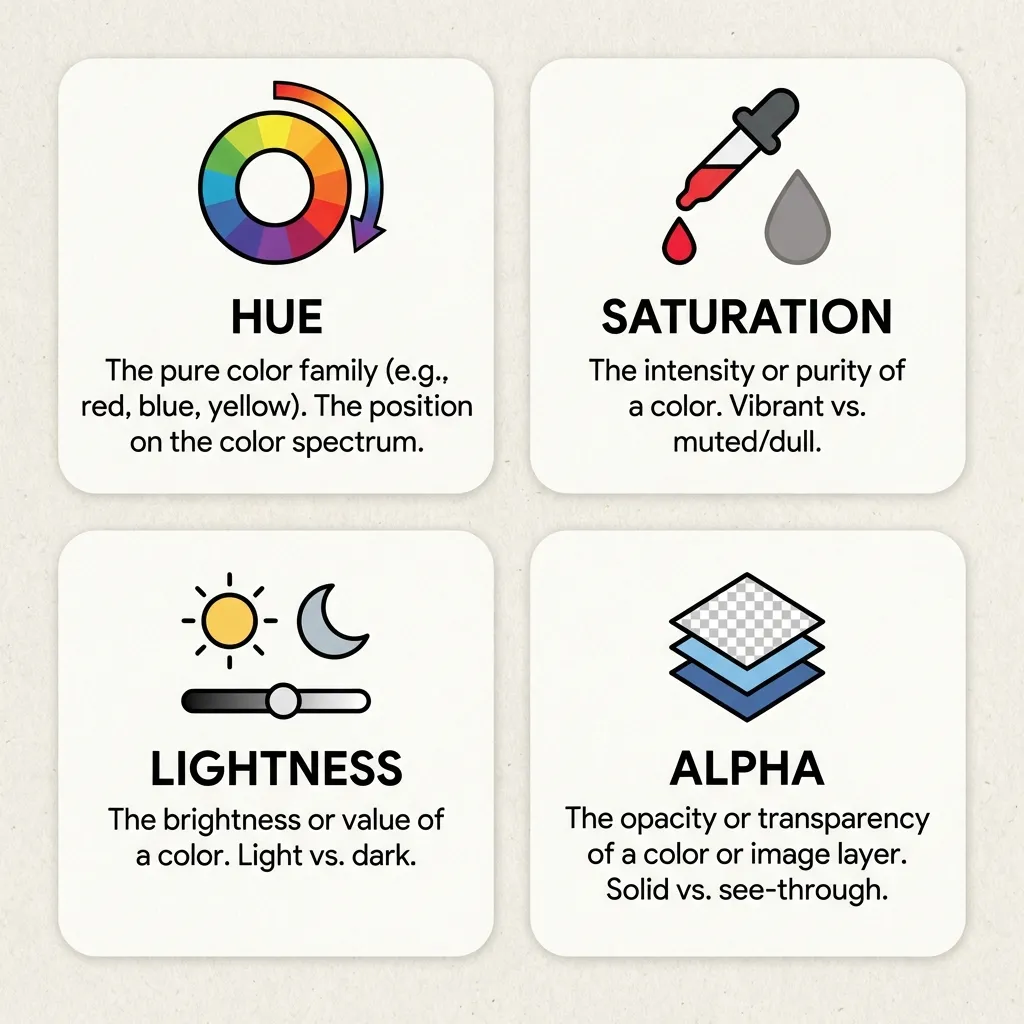
Browser engineers eventually fixed this by simply adding a fourth byte of data to the hex code. Modern CSS allows you to write 8-character hex codes like #00000080. The first six characters dictate the color, and the final two characters (the fourth byte) dictate the opacity level in Base-16 math. While it can be slightly confusing for humans to read (since 80 in hex translates to about 50% opacity), it maintains the flawless machine-efficiency of the original system.
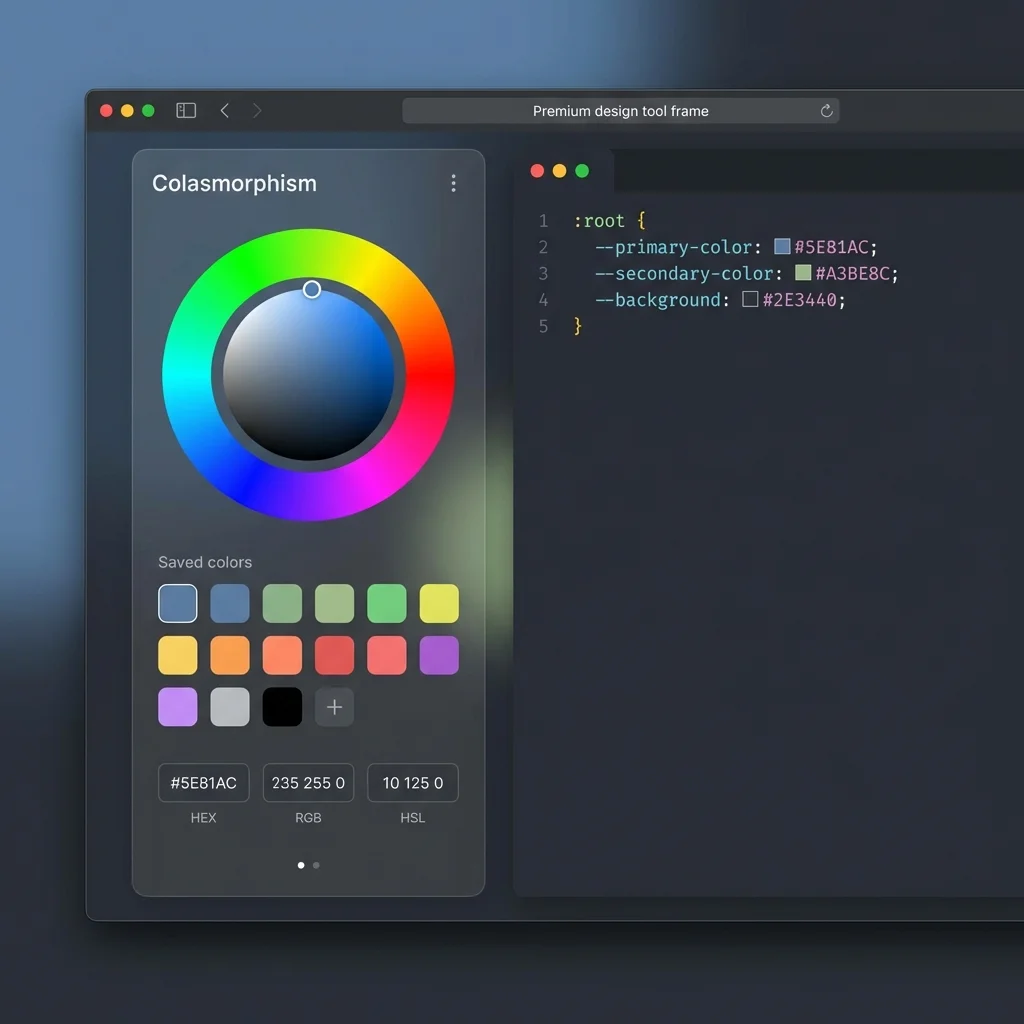
Stop complaining that hex codes are hard to read. They aren't meant to be read like a novel. They are meant to be executed instantly by a rendering engine. Use a color picker to find them, abstract them into CSS variables, and let the browser do what it was built to do.