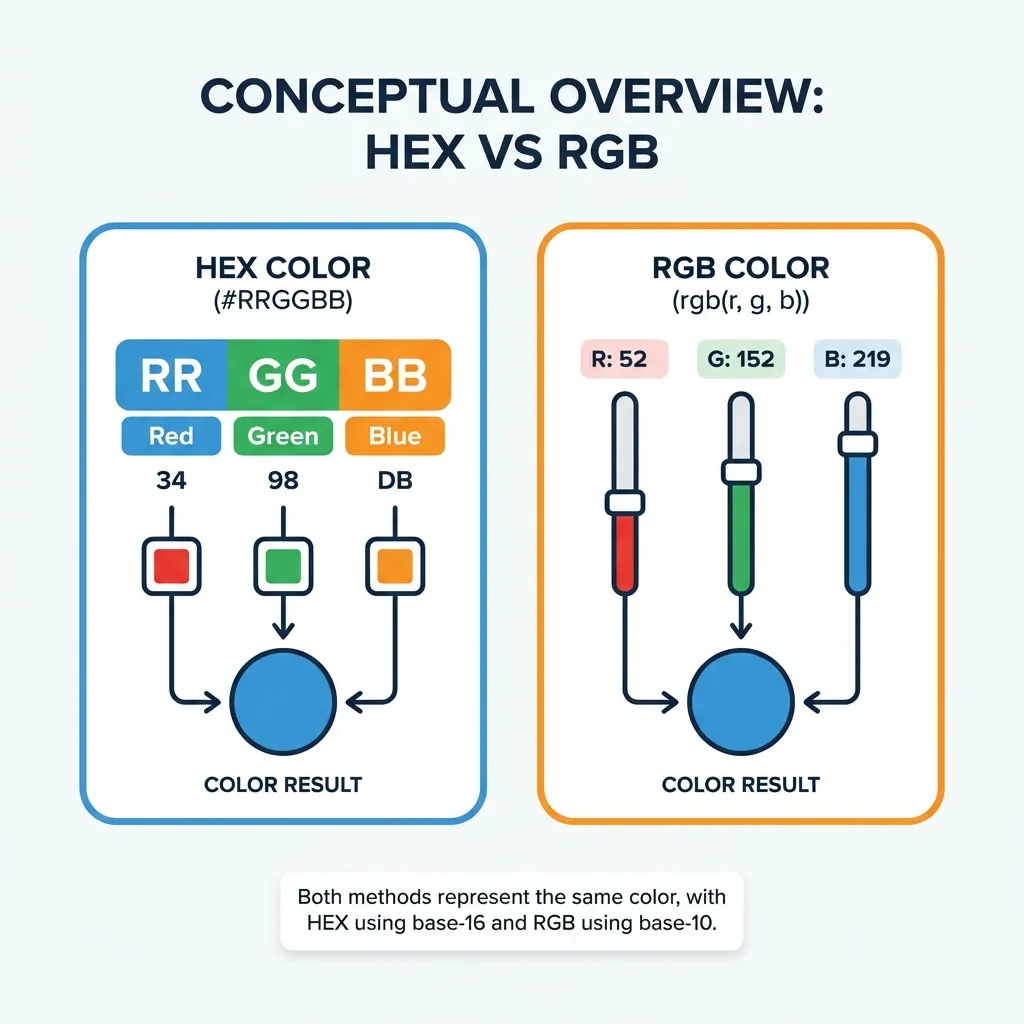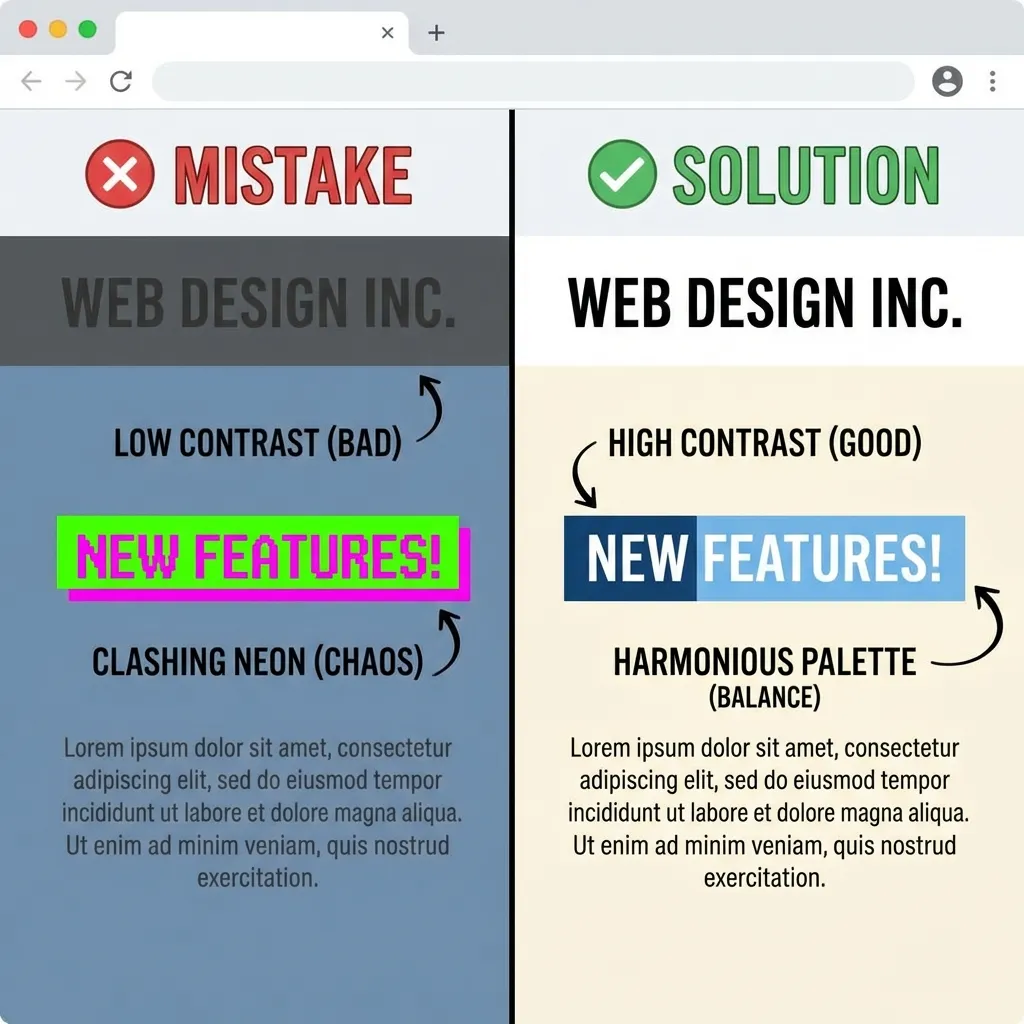
I once spent three frantic hours wondering why a critical CSS layout was breaking on production. The main header of the client's website was rendering completely transparent instead of the requested dark gray. The culprit was a single, missing character. I had typed #33333 instead of #333333. The browser silently failed the CSS property and moved on without throwing a single error in the console.
Working with raw color codes requires exact, unforgiving syntax. If you make a typo in your CSS, the compiler won't save you. Here are the specific, mathematical mistakes that actively break UI rendering in modern codebases.
The short hex code trap
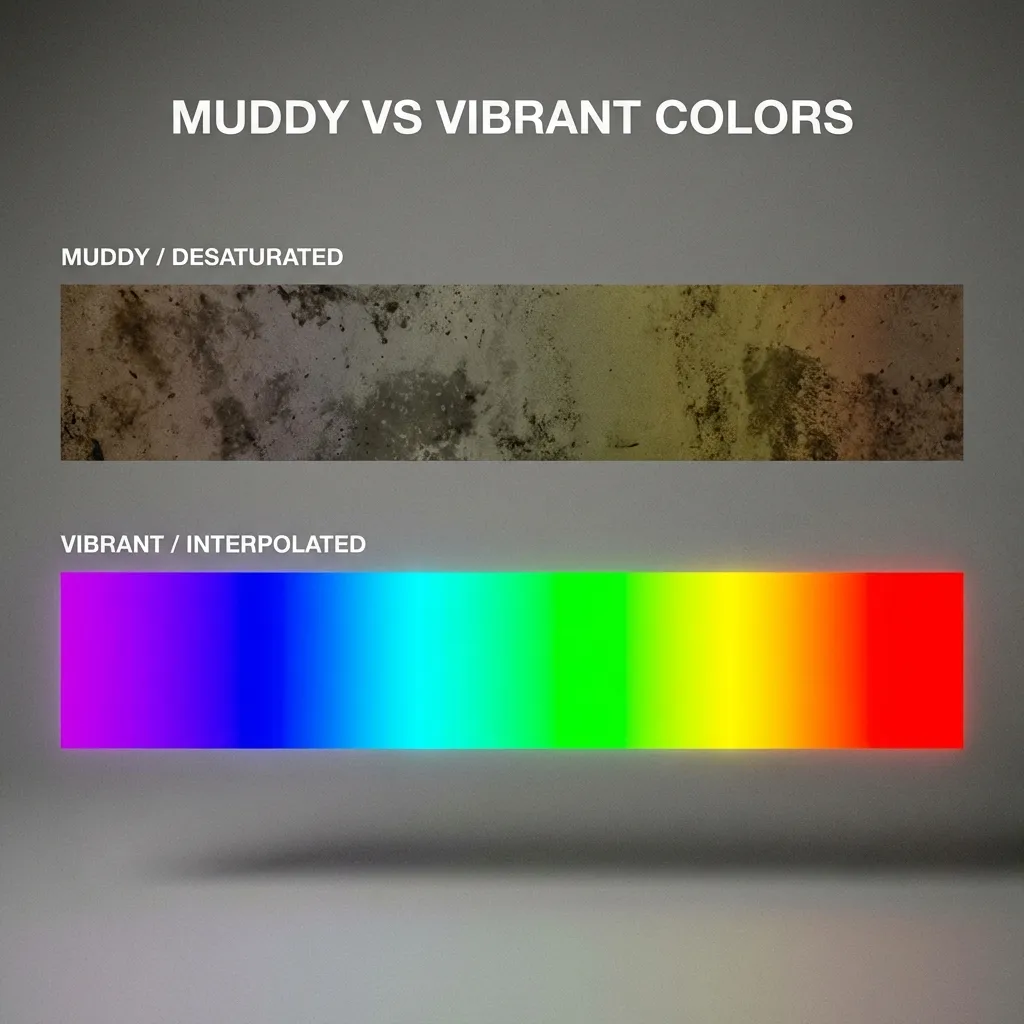
CSS allows you to write three-character hex codes as a shortcut to save bandwidth. #FFF automatically expands to #FFFFFF. #F00 expands to #FF0000. It saves you exactly three keystrokes.
I think short hex codes are a terrible habit that should be permanently banned from modern codebases. The absolute moment you need a color that isn't perfectly symmetrical — like a slightly muted UI gray such as #E5E7EB — the shortcut completely breaks. You end up with a chaotic mix of 3-character and 6-character hex codes scattered wildly across your project. When you try to run a global find-and-replace to update your primary brand colors for a redesign, half of the instances get missed because the regex doesn't match. Write all six characters, every single time. Your future self will thank you.
Mixing up base-16 alpha channels
In 2026, most modern web browsers fully support 8-character hex codes, where the last two digits explicitly control opacity. For example, #00000080 generates a 50% transparent black overlay.
Where it gets weird is the underlying math. The opacity is calculated in base-16, not base-10. If you want exactly 50% opacity, the hex value is 80, not 50. If you naively type #00000050 thinking you are getting 50%, you actually get a barely-visible 31% opacity. I haven't found a single reliable CSS linter that catches this logic error, so developers ship the wrong opacity to production constantly. If you need transparency, the dumb solution that works is just using rgba(). It uses base-10 math (like 0.5), which normal humans can read without a calculator.
Hardcoding instead of using CSS variables
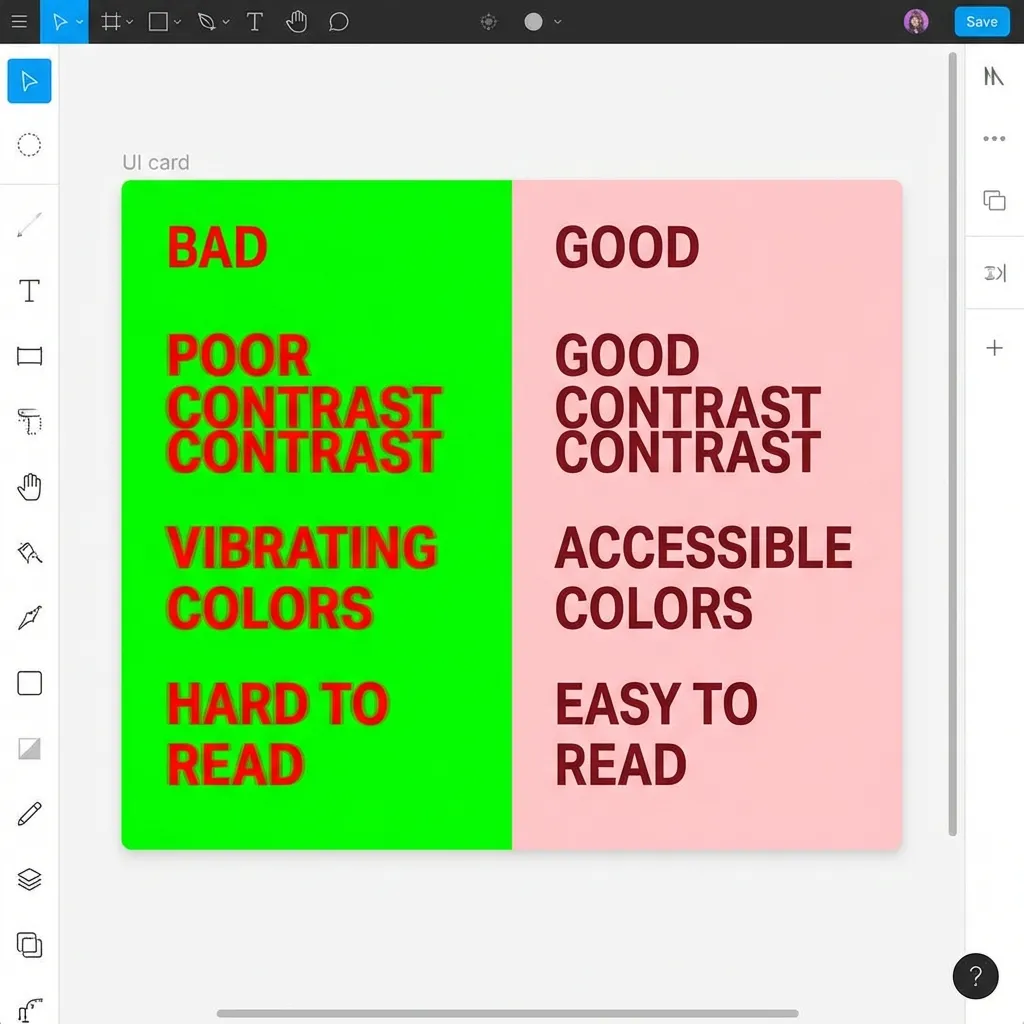
If you hardcode #2563EB into fifty different CSS classes across a massive React project, you are actively creating massive technical debt. The dumb solution that works is defining your colors exactly once in a global :root block.
A client recently asked me to update their "primary blue" to be slightly darker to meet WCAG AA standards. Because the previous developer didn't use CSS variables, I had to manually hunt down and update 142 different component files. If they had just mapped --color-primary: #2563EB at the top of their global stylesheet, the entire job would have taken four seconds.
(It still shocks me to my core that CSS variables have been universally supported in every major browser since 2017, yet developers still hardcode raw hex values in component files daily.)
Trusting screenshots over design files
Never trust your eyes when copying a color from a screenshot. A client once sent me a JPEG of their logo and said "match this exact blue." I used an eyedropper tool on the JPEG. It was completely wrong. JPEG compression literally shifts the RGB values by 3 to 8 digits to save file size. You are sampling compression artifacts. Always ask for the actual hex value from the original Figma file.