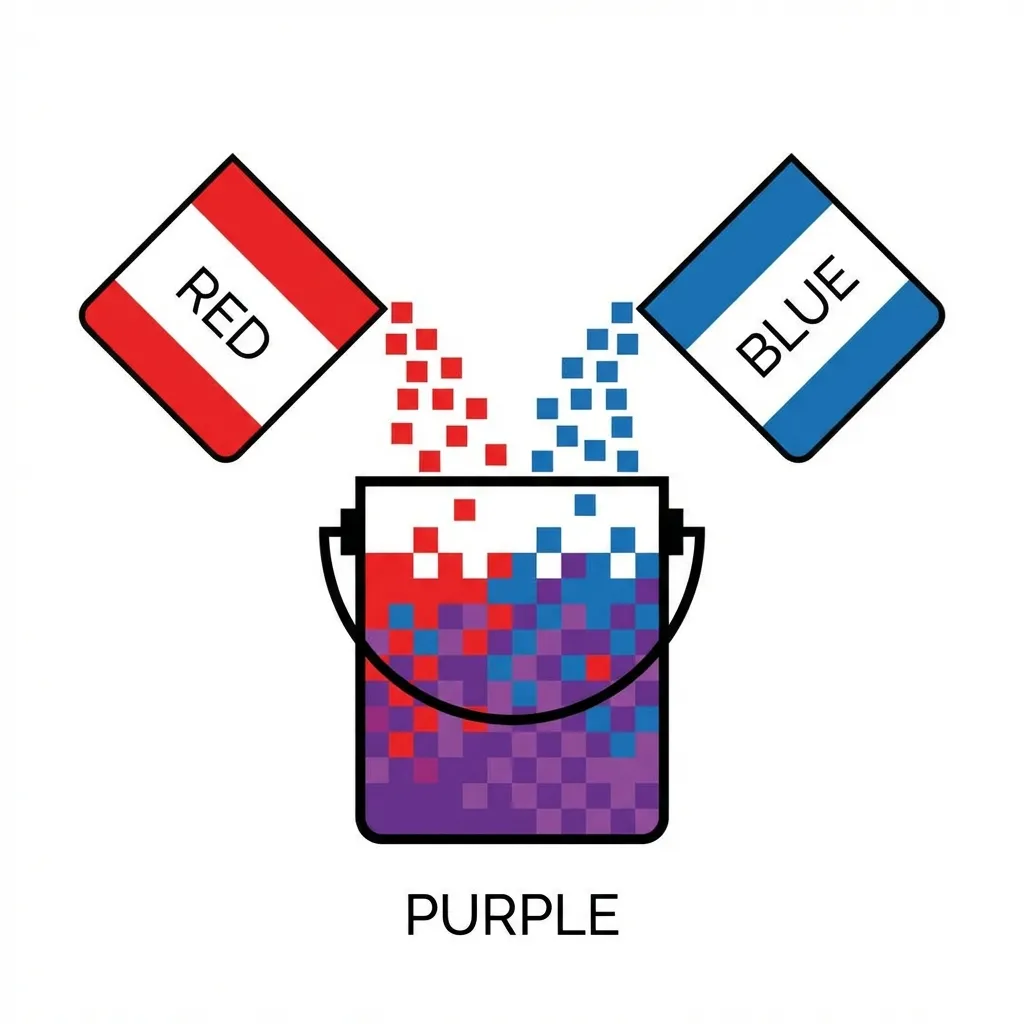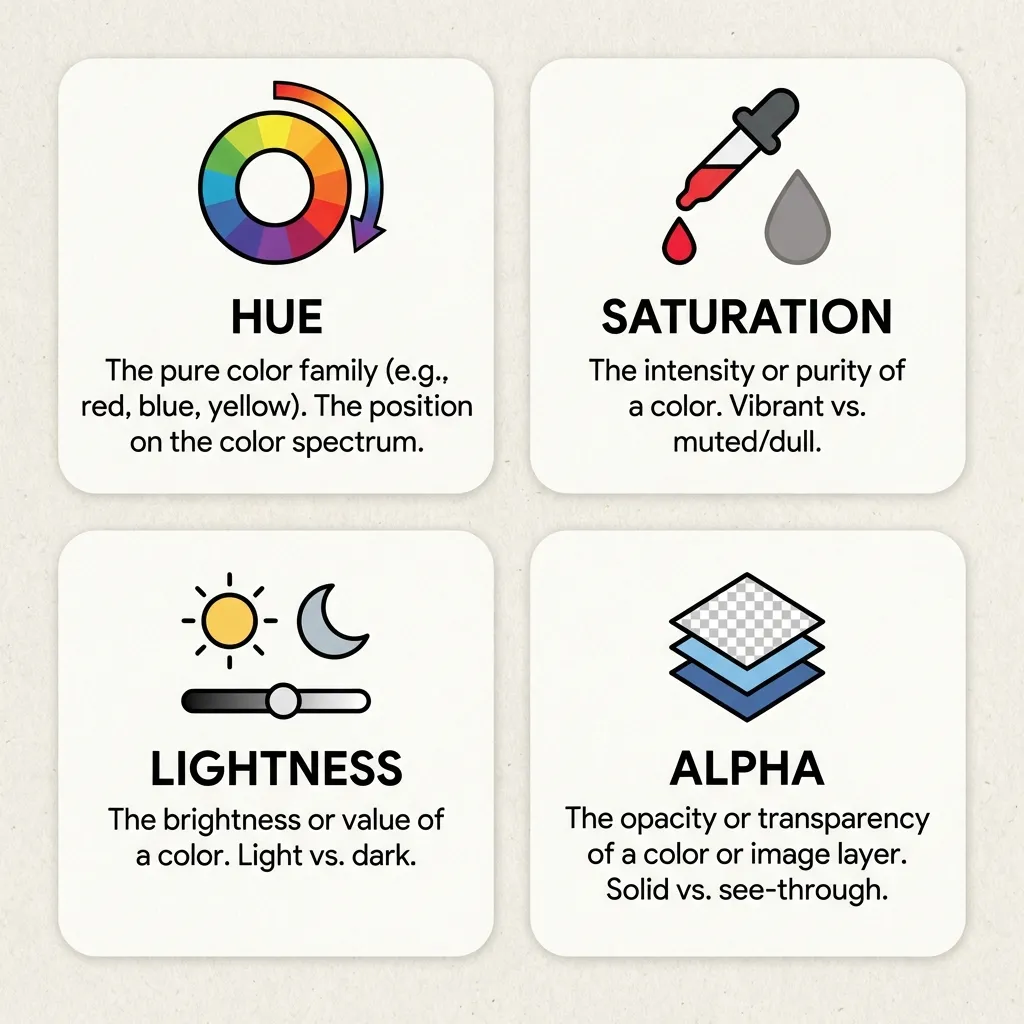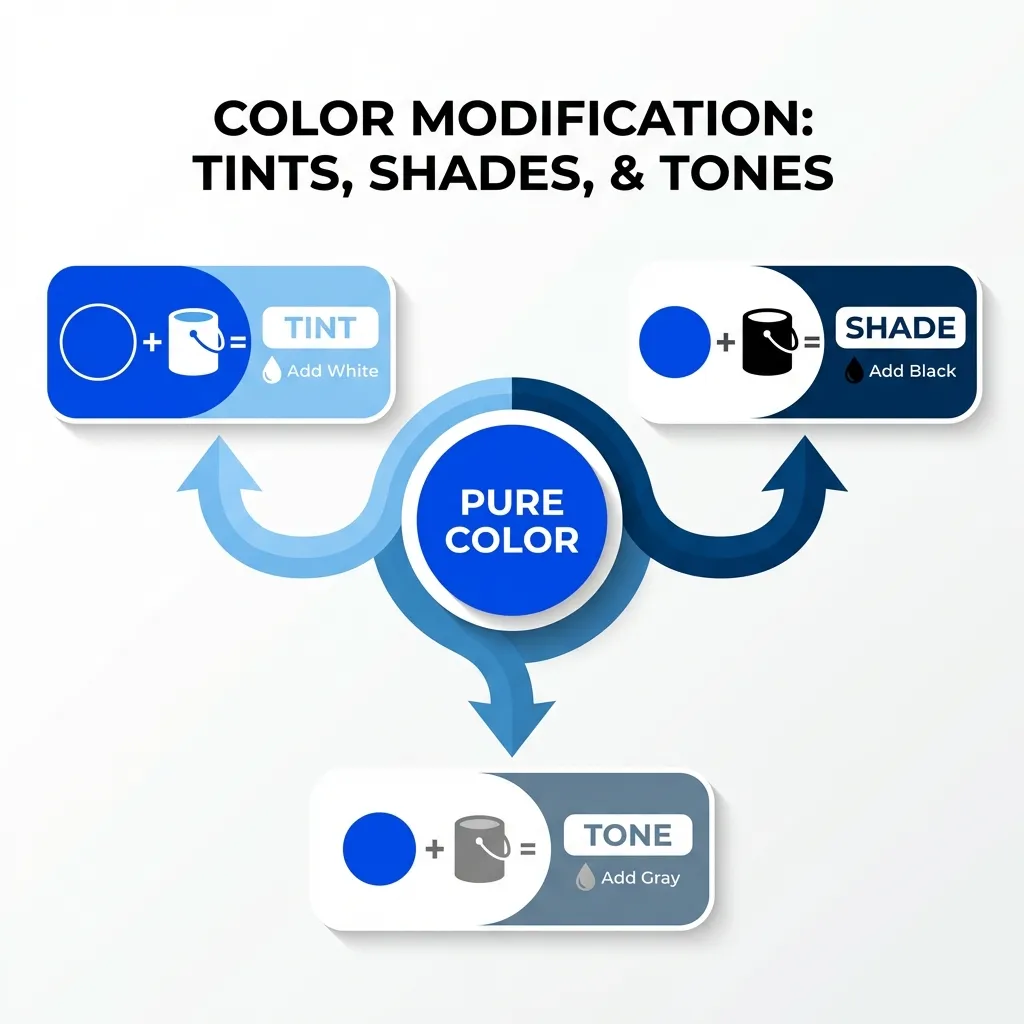
I spent literally hundreds of hours manually mixing colors in Adobe Photoshop before native CSS finally introduced the color-mix() function. Whenever I needed a darker hover state for a button, I would have to open Photoshop, draw a blue square, draw a black square over it, drop the black square's opacity to 15%, use the eyedropper tool to sample the resulting blend, copy the hex code, and paste it into my text editor. It was a humiliating, incredibly slow workflow.
Digital color mixers completely solve the complex mathematical problem of blending light, but if you don't understand the history of how these tools work, they will still betray you when you least expect it.
The era of CSS preprocessors
Before browsers could handle color math, we relied entirely on CSS preprocessors like Sass and Less. These tools had built-in color mixer functions like darken(), lighten(), and mix().
If you wrote background: darken(#3B82F6, 15%);, the Sass compiler would intercept that line during your build step, calculate the exact hex code of the darker blue, and output a static, hardcoded hex string into your final CSS file. The browser never knew that a mix occurred; it just saw a hex code.
The dumb solution that works today is abandoning Sass entirely. Preprocessors cannot handle dynamic CSS variables at runtime. If you have a variable that changes based on the user's dark mode preference (like --bg-color), Sass physically cannot mix it because the value isn't known until the browser renders the page. Native CSS color mixing solved this problem permanently.
The native CSS revolution
I strongly think the introduction of color-mix() in native CSS is the single greatest update to the language in a decade. It completely eliminates an entire layer of build-step complexity.
You can now write color-mix(in srgb, var(--brand) 80%, black) and instantly generate a mathematically perfect hover state directly in the browser, at runtime, even if the --brand variable changes dynamically via JavaScript.
(I actually aggressively deleted an entire 500-line utility file from a massive React project last month because I was able to replace all of my complex, dynamic color functions with a single native CSS mix rule. It felt incredible.)

The interpolation space trap
A color mixer is only as good as the color space it operates in. If you use a basic, outdated online color mixer tool that relies on standard RGB math, it will often output muddy, desaturated colors when blending.
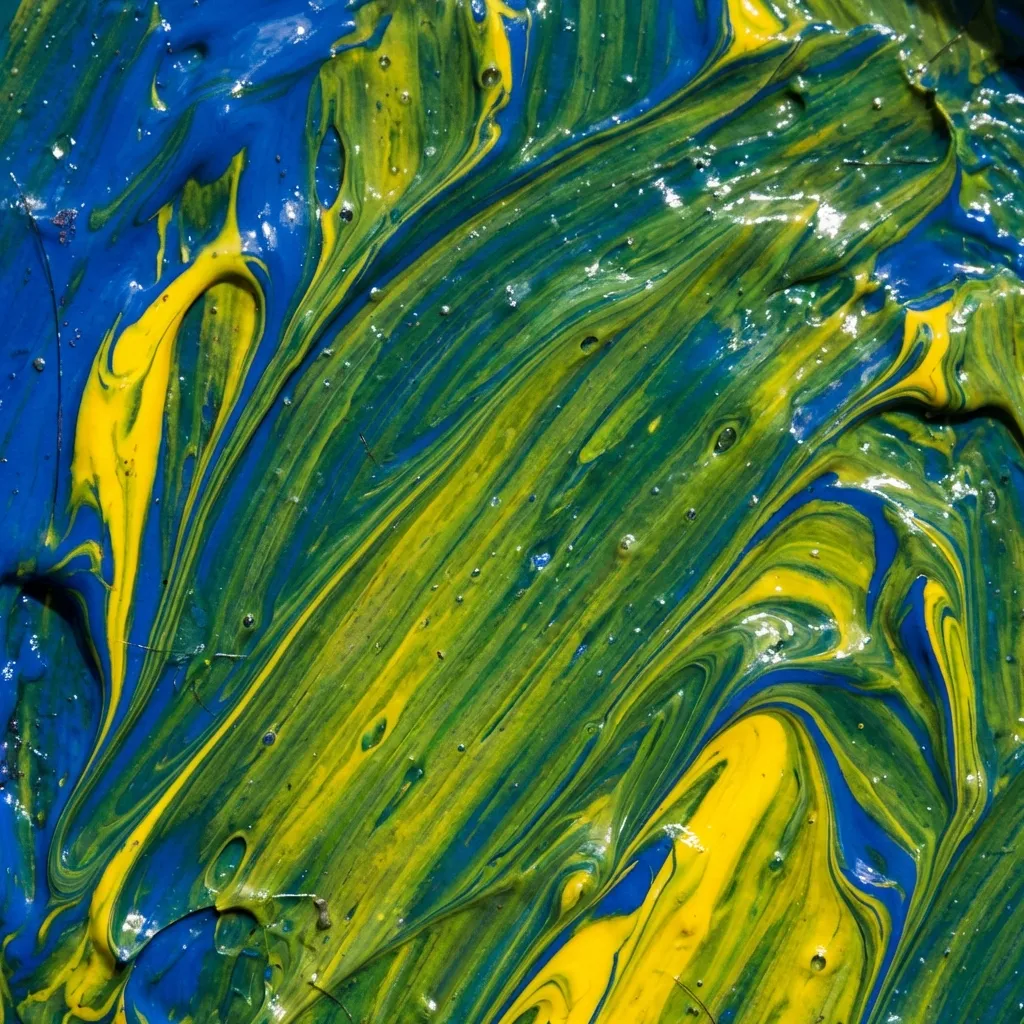
This is because mixing light is not a straight line. If you mix pure blue and pure yellow in standard sRGB, you get a dead gray. Modern color mixers, including the native CSS function, now allow you to specify the interpolation space. By forcing the mixer to use the oklch color space (color-mix(in oklch, blue, yellow)), the algorithm calculates the blend based on human visual perception, completely avoiding the muddy "dead zone" in the center of the color wheel.
There's no clean solution for supporting Internet Explorer or ancient browsers with this native function; the mandatory workaround is to simply stop supporting Internet Explorer. The web has moved on. Use a native color mixer, specify your color space, and let the browser engine do the heavy lifting.